Japan eSIM Not Working? Fix Common eSIM Issues Fast
Japan eSIM Not Working? 7 Common Issues and How to Fix Them
There's nothing more rousing than turning your dream trip into reality and seeing "Welcome to Tokyo, Japan”. And, you roll your suitcase onto the escalator heading down to baggage claim, still half-jetlagged and hungry, and instinctively unlock your phone to check which train connects to your hotel. You expect the map to pop up instantly
But instead of loading maps or translation apps, your screen shows “No Service.”
You refresh.
You restart your phone.
You walk toward the airport Wi-Fi, hoping it magically fixes everything.
And that’s when the panic hits: “Why is my Japan eSIM not working?”
If this moment feels painfully familiar, you’re not alone. Every day, thousands of travelers arrive in Japan expecting instant connectivity, only to face eSIM installation hiccups, QR code errors, or a stubborn “no signal” message. The good news? Most of these problems have quick, simple fixes you can apply right away.
This guide breaks down the 7 most common Japan eSIM issues, why they happen, and how to fix them in minutes, whether you’re on iPhone or Android. And if you want a reliable plan to avoid these headaches next time, you can always pick a trusted option at Japan SIMS
Why eSIMs Are the Smartest Choice for Japan Travel?
Before troubleshooting, a quick reminder of why more travellers are choosing eSIM for Japan:
- Instant activation: no store visit or pickup counter
- Works the moment you land
- No risk of losing your physical SIM
- Perfect for international travel
- Plans designed for tourists (unlimited data available)
But even the best eSIMs can run into setup hiccups, especially if it's your first time using one.
Let’s fix them.
7 Common Issues and How to Fix Them
Most eSIM problems in Japan come from small settings or easy-to-miss steps. A minute or two with the fixes below usually gets you back online.
1. The eSIM isn’t downloading (Or The QR code won’t scan)
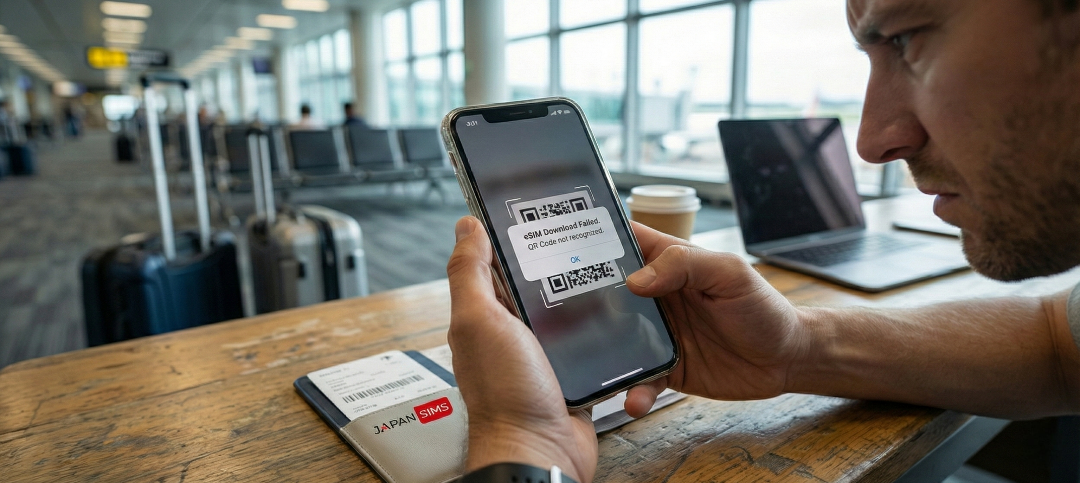
This is the most common frustration and usually happens for one of two reasons:
- You're not connected to Wi-Fi, or
- You opened the QR code on the same phone you're trying to install it on.
How to Fix It
- Use a second device: Open the QR code on a laptop or another phone. Your travel eSIM cannot be installed from the same device displaying the code.
- Connect to a stable Wi-Fi: Airport Wi-Fi, hotel Wi-Fi, or tethering from another phone works. eSIM profiles are small but require a steady connection.
- Don’t screenshot the QR code: Screenshots can blur or distort the code on some devices, triggering the “QR code not valid” message.
- iPhone users: Go to Settings → Mobile Data → Add eSIM → Use QR Code.
- Android users (Samsung/Pixel): Settings → Connections → SIM Manager → Add eSIM
If the QR code still fails, use the manual activation code included in your JapanSIMS email.
2. Your eSIM is installed… But No Signal In Japan
You land in Tokyo, activate your eSIM, and still nothing. Annoying but usually easy to fix.
Typical Reasons
- Mobile data not enabled
- Wrong network selected
- “Primary SIM” overrides your eSIM
- Aeroplane Mode not fully reset
Try This 3-Step Reset (Works For 90% Of Travelers):
- Turn on Aeroplane Mode (10 seconds)
- Turn Aeroplane Mode off
- Restart your phone
Now check:
- Mobile Data → ON
- Data Roaming → ON
- Select your eSIM as the Mobile Data Line
Network to Select (Important!)
- Japan SIMS plans typically connect to a major network: KDDI (au)
- Set your phone to: Settings → Network Selection → Disable “Automatic” → Choose KDDI
This immediately brings a signal in most areas.
3. “No Internet” or Super Slow Speed
Your eSIM shows bars… but pages load like dial-ups. Japan’s network is fast, so slow speed usually means one of these:
The Phone Is Still Using Your Home SIM
Your device might still route data through your primary SIM.
Fix: Settings → Mobile Data → Select your JapanSIMS eSIM
APN Settings Are Missing
Most Japan travel eSIMs install APN automatically, but some Android phones don’t. Find the correct APN in your activation email (example: globaldata or internet).
Settings → Mobile Network → Access Point Names → Add APN
If needed, restart your phone.
You’re in a Basement or Mountain Area
Trains, basements, rural shrines, and tunnels have patchy signal coverage.
So when you step outside, Japan’s networks recover instantly.
4. The eSIM Is Installed But Not Selected As The Primary Data Line
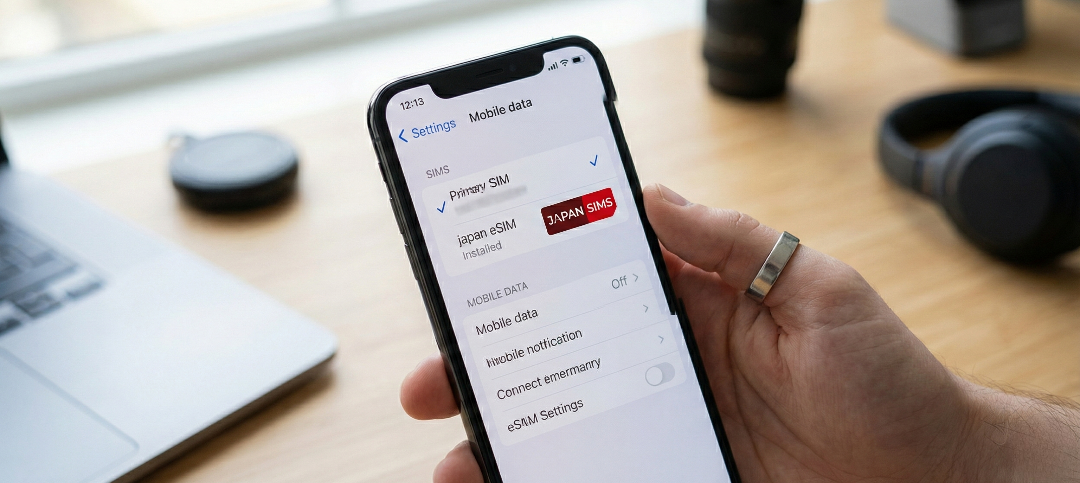
Your phone might still be using your home SIM for data. This is especially common for travelers who use dual SIM or have an existing roaming plan.
Fix This in Seconds
On iPhone:
Settings → Mobile Service → Mobile Data → Choose your Japan eSIM
On Android:
Settings → Connections → SIM Manager → Select Japan eSIM for Data
Once selected, give your phone 10–30 seconds to connect.
5. “Unable to Activate eSIM” on iPhone
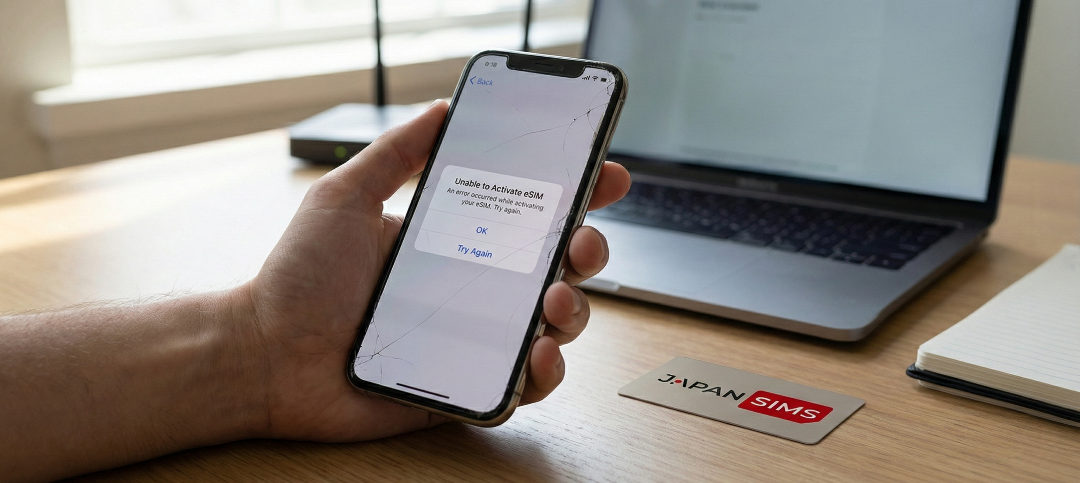
This is common on iOS 17/18 during Japan travel.
Easy Fixes
- Update to the latest iOS version
- Reset network settings (don’t worry, it doesn’t erase your data)
Settings → General → Transfer/Reset → Reset Network Settings.
Remove any old or unused eSIM profiles.
Too many inactive eSIMs can block new ones.
After resetting, restart your device and reinstall the JapanSIMS eSIM using the QR code.
6. Android eSIM Not Working In Japan

Android phones have different menus depending on the brand, but these fixes solve most issues:
- Turn On “Allow 5G/LTE/4G: Settings → Mobile Network → Preferred Network → Set to 5G/4G/Auto.
- Enable “Download SIM Using Mobile Data”: Some Samsung models require this for successful activation.
- Disable Your Physical SIM Temporarily: This forces the phone to prioritize your Japan eSIM during initial setup.
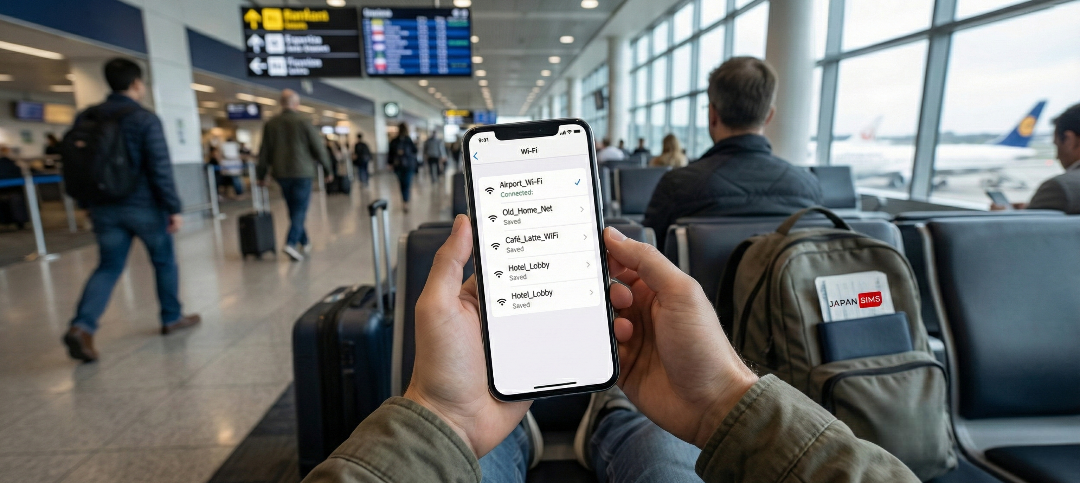
7. You’re Still Connected to Airport Wi-Fi or Old Networks
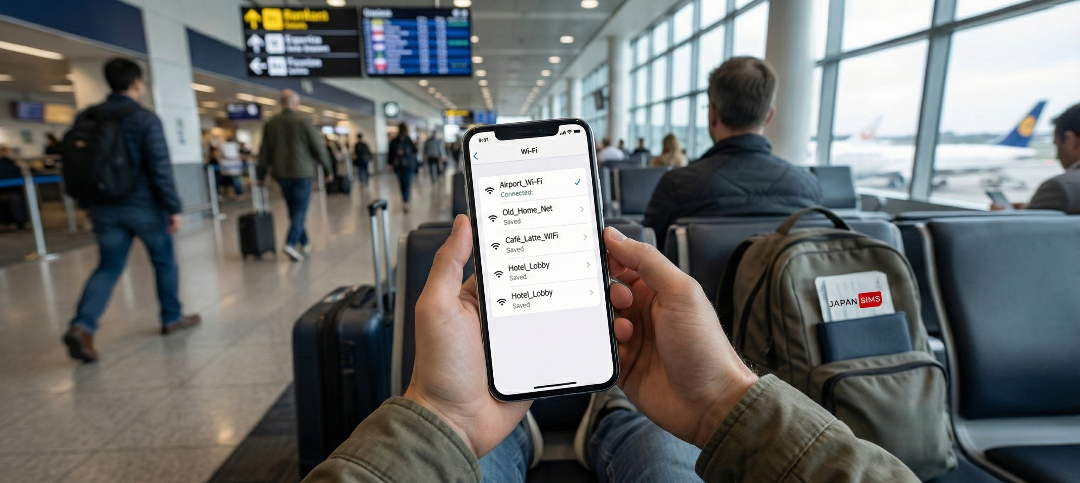
Travelers often think their eSIM is failing, but the real issue is that their phone is stuck on slow, unstable airport Wi-Fi.
Japanese airports offer free Wi-Fi, but it’s overloaded and often disconnects the moment you walk 20 meters.
Fix This
- Turn off Wi-Fi temporarily
- Turn Airplane Mode on, then off
- Check that your eSIM shows signal bars
If the eSIM is working, those bars will appear within seconds.
Extra Troubleshooting Tips That Solve 90% of Issues
These quick resets help more than people expect:
- Restart Your Phone: Connects instantly in most cases.
- Toggle Airplane Mode: 5 seconds on → off again.
- Select Network Manually: In areas with weak signals (mountains, countryside), targeting one network helps.
- iPhone: Settings → Cellular → Network Selection → Turn OFF Automatic → Choose KDDI
- Android: Settings → Mobile Networks → Network Operators → Select manually
Verify Low Power Mode: Low Power Mode can sometimes block background network tasks. Turn it off temporarily and reconnect.
When to Contact Support (and What To Ask)?
If none of the fixes above work, reach out to our customer service with three details:
- Your phone model
- Screenshot of your installed eSIM
- Current network and signal strength
Support can quickly refresh your activation or push an update.
If you’ve purchased from Japan Sims, our support responds promptly and helps you get online instantly.
Ways to connect with our customer care: Contact Us
Avoid Future Issues: Install Your eSIM the Right Way
To make your Japan trip smooth from the moment you land, follow these steps:
Before Departure
- Install the eSIM
- Don’t turn it on yet
- Keep your QR code saved or printed
- Make sure your phone is unlocked
- Update iOS or Android
After Landing
- Enable the Japan eSIM
- Turn on Data Roaming
- Select eSIM for Mobile Data
- Restart once
- Wait for KDDI to connect
10–30 seconds later… you’re online.
Why Japan Sims eSIMs Rarely Have Issues?
Travelers choose Japan Sims for a few practical reasons:
- Works instantly across Japan: Tokyo, Osaka, Kyoto, Sapporo, and Fukuoka. Coverage is strong everywhere.
- Tourist-friendly setup: Clear instructions + fast activation.
- Multiple unlimited data options: Perfect if you’ll be using Google Maps, translation apps, and social media constantly.
- No physical SIM needed: You can start using data the moment the plane touches down.
Check the available plans here: Japan Travel eSIM
Stay Connected and Enjoy Your Japan Trip
Japan is one of the best-connected countries in the world. With the right eSIM setup, you’ll have fast data everywhere from Tokyo’s neon streets to Kyoto’s quiet temples. Don’t let a simple technical glitch spoil your arrival. With these troubleshooting steps, you’ll be online in minutes and ready to explore. And if you haven’t chosen a plan yet, here’s the easiest place to start: Safe travels. Eat the sushi. Or get lost in Shinjuku. And let your Japan eSIM handle the connectivity across Japan.